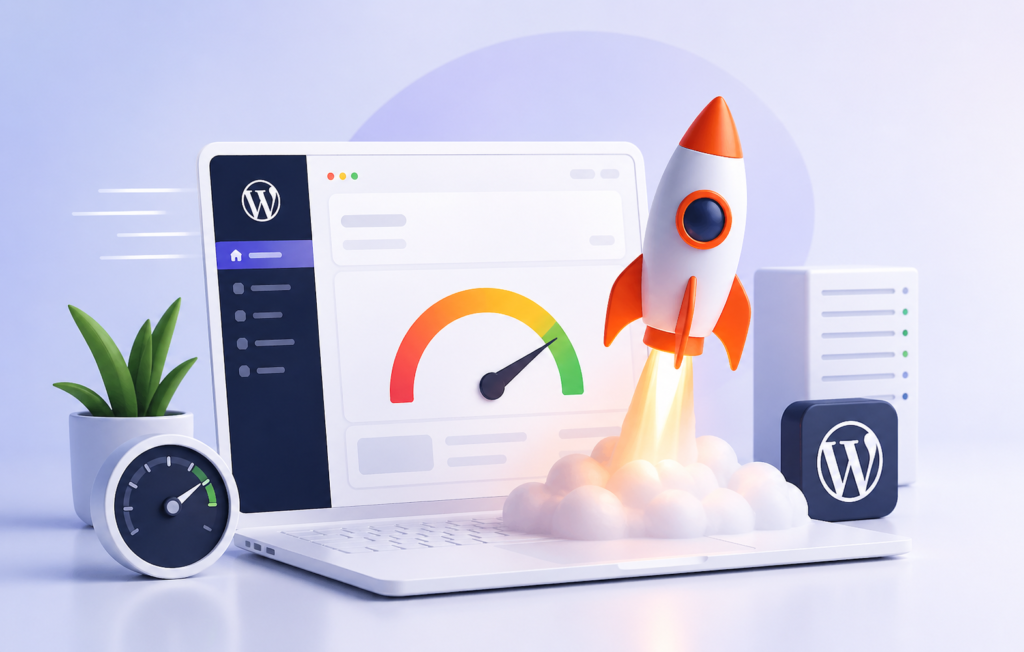
Website speed is no longer a “nice-to-have.” It directly affects your rankings, conversions, and user experience. If your site takes longer than a few seconds to load, visitors leave – simple as that.
This is where the WP Rocket plugin steps in. It’s one of the most popular performance plugins for WordPress, known for its ease of use and powerful optimization features.
In this guide, we’ll break everything down from setup to advanced optimization without the usual technical fluff.
What Is WP Rocket Plugin?
WP Rocket is a premium WordPress caching plugin designed to improve website speed and performance without requiring deep technical knowledge.
Unlike many caching plugins that confuse users with complex setups, WP Rocket works almost instantly after activation. It applies essential performance improvements right out of the box.
In simple terms, it:
- Reduces page load time
- Improves Core Web Vitals
- Enhances user experience
- Helps with SEO rankings
Think of it as giving your website a performance boost without needing a developer.
Why Website Speed Matters (More Than You Think)
Let’s be honest – no one likes a slow website. Not users. Not search engines.
A faster website:
- Keeps visitors engaged
- Reduces bounce rate
- Improves conversions
- Helps rank better on search engines
Search engines prioritize fast-loading pages because they deliver a better user experience. So yes, speed directly impacts SEO.


WP Rocket Plugin Benefits
Let’s talk about what makes WP Rocket stand out.
1. Instant Performance Boost
You don’t need to tweak dozens of settings. Activate it, and your site already loads faster.
2. Beginner-Friendly Interface
No technical jargon. The dashboard feels clean and easy to navigate.
3. All-in-One Optimization
Instead of installing multiple plugins, WP Rocket handles:
- Caching
- File optimization
- Lazy loading
- Database cleanup
4. Improved Core Web Vitals
It helps improve metrics like:
- Largest Contentful Paint (LCP)
- First Input Delay (FID)
- Cumulative Layout Shift (CLS)
5. Compatibility with Most Themes & Plugins
You rarely face conflicts, which saves a lot of troubleshooting time.
How Does WP Rocket Work?
WP Rocket speeds up your website using caching and optimization techniques.
Here’s how it works:
Page Caching
It creates static HTML versions of your pages. This reduces server processing time and loads pages faster.
Browser Caching
It stores files on users’ browsers so returning visitors don’t reload everything again.
GZIP Compression
It compresses files to reduce their size before sending them to the browser.
File Optimization
It minifies CSS, JavaScript, and HTML files by removing unnecessary characters.
Lazy Loading
Images load only when users scroll down, reducing initial load time.
WP Rocket Plugin Settings Guide (Step-by-Step)
Let’s break down the WP Rocket plugin settings guide in a simple and practical way.
1. Cache Settings
Enable:
- Mobile Cache
- User Cache (if you have logged-in users)
This ensures your site loads quickly across devices.
2. File Optimization
This section has the biggest impact – but also needs careful handling.
Enable:
- Minify CSS
- Minify JavaScript
Optional:
- Combine files (test before enabling)
- Load JavaScript deferred
Tip: Always test your website after enabling these options.
3. Media Settings
Turn on:
- Lazy Load for images
- Lazy Load for iframes and videos
This improves loading speed significantly, especially for content-heavy pages.
4. Preload Settings
Enable:
- Sitemap Preloading
- Link Preloading
This ensures pages load instantly when users click them.
5. Advanced Rules
Use this only if needed:
- Exclude specific pages from caching
- Exclude cookies or user agents
Most users don’t need to touch this section.
6. Database Optimization
Over time, your database collects junk.
WP Rocket helps you clean:
- Post revisions
- Spam comments
- Transients
Run this weekly for best results.
7. CDN Integration
If you use a CDN, connect it here.
This distributes your content globally, reducing load time for international visitors.


What Are the Best WP Rocket Settings for Maximum Speed?
Let’s keep it simple.
The best WP Rocket settings usually include:
- Page caching enabled
- GZIP compression active
- Lazy loading turned on
- Minification enabled
- JavaScript deferred
Avoid enabling everything blindly. Test each setting for stability.
WP Rocket Performance Optimization Tips
Even with WP Rocket, you should follow good practices.
Optimize Images
Large images slow down your site. Compress them before uploading.
Use a Lightweight Theme
A heavy theme cancels out your speed improvements.
Limit Plugins
Too many plugins = slower performance.
Use Quality Hosting
A slow server can’t be fixed with a plugin alone.
WP Rocket Speed Optimization Tutorial (Practical Approach)
Let’s walk through a simple WP Rocket speed optimization tutorial:
- Install and activate WP Rocket
- Enable caching (default)
- Turn on lazy loading
- Enable file minification
- Activate preload
- Clean database
- Test site speed using tools
You should notice a visible improvement almost immediately.


Is WP Rocket Worth It? (Honest Review)
Here’s a straightforward WP Rocket cache plugin review.
Pros:
- Easy to use
- Powerful features
- Saves time
- Great support
Cons:
- No free version
- Some settings require testing
If you value your time and want reliable performance, it’s worth the investment.
WP Rocket Plugin Free Alternative (If You’re on Budget)
Not everyone wants to pay for a plugin and that’s fair.
Here are some WP Rocket plugin free alternatives:
- WP Super Cache
- W3 Total Cache
- LiteSpeed Cache
However, these often require manual configuration and technical knowledge.
WP Rocket wins in simplicity.
WordPress Caching Plugin WP Rocket vs Others
Let’s compare quickly.
| Feature | WP Rocket | Free Plugins |
|---|---|---|
| Ease of Use | ⭐⭐⭐⭐⭐ | ⭐⭐ |
| Setup Time | Minutes | Hours |
| Performance | High | Medium |
| Support | Premium | Limited |
If you prefer convenience and results, WP Rocket is the better choice.
Common Mistakes to Avoid
Even a great plugin won’t help if used incorrectly.
Avoid these mistakes:
- Enabling all settings at once
- Ignoring mobile optimization
- Skipping performance testing
- Using too many optimization plugins together
Keep things simple and controlled.
How WP Rocket Helps SEO
Speed plays a key role in SEO.
WP Rocket improves:
- Page speed
- User experience
- Crawl efficiency
Faster pages often rank better because users stay longer and interact more.
WP Rocket Configuration Settings for Advanced Users
If you want deeper control, explore:
- Delay JavaScript execution
- Remove unused CSS
- Control Heartbeat API
- DNS prefetching
These settings can push performance even further – but require careful testing.
Who Should Use WP Rocket?
WP Rocket works well for:
- Bloggers
- Business websites
- E-commerce stores
- Agencies
If you run a WordPress site and care about speed, it’s a solid choice.
Frequently Asked Questions (FAQs)
What is WP Rocket plugin and how does it work?
WP Rocket is a premium WordPress caching plugin that improves website speed by creating cached versions of pages, reducing file sizes, and optimizing loading behavior. It reduces server load and helps pages load faster for users.
Is WP Rocket worth it for WordPress speed optimization?
Yes, WP Rocket is worth it for most WordPress users because it provides instant speed improvements, requires minimal setup, and includes advanced optimization features in one plugin.
What are the best WP Rocket settings for maximum performance?
The best WP Rocket settings include enabling page caching, lazy loading, file minification, JavaScript defer, and preload options. These settings improve loading speed and Core Web Vitals.
Does WP Rocket improve SEO rankings?
WP Rocket helps improve SEO by increasing page speed and enhancing user experience. Faster websites tend to rank better because they reduce bounce rates and improve engagement.
How do I set up WP Rocket plugin step by step?
To set up WP Rocket:
Install and activate the plugin
Enable caching automatically
Turn on lazy loading
Enable file optimization
Activate preload
Test website performance
What is the difference between WP Rocket and free caching plugins?
WP Rocket offers easier setup, better performance, and built-in optimization features compared to free plugins, which often require manual configuration and technical knowledge.
Can WP Rocket break my website?
WP Rocket rarely breaks websites, but some file optimization settings like JavaScript defer or CSS combination may cause issues. Testing after enabling settings is important.
Does WP Rocket work with all WordPress themes and plugins?
WP Rocket is compatible with most WordPress themes and plugins. However, conflicts may occur with poorly coded themes or overlapping optimization plugins.
What is lazy loading in WP Rocket?
Lazy loading delays the loading of images and videos until users scroll down to them. This reduces initial page load time and improves performance.
Is there a free alternative to WP Rocket?
Yes, free alternatives include plugins like WP Super Cache, W3 Total Cache, and LiteSpeed Cache, but they require more manual setup compared to WP Rocket.
How much speed improvement can WP Rocket provide?
WP Rocket can significantly reduce page load time depending on your hosting, theme, and existing optimization. Many users notice immediate improvements after activation.
Do I need a CDN with WP Rocket?
You don’t need a CDN, but using one with WP Rocket can further improve loading speed, especially for global audiences.
Does WP Rocket optimize images?
WP Rocket supports lazy loading for images but does not compress them. You need an additional image optimization plugin for compression.
How often should I clean my database in WP Rocket?
Yes, WP Rocket helps improve Core Web Vitals by optimizing loading speed, reducing render-blocking resources, and improving visual stability.
Can WP Rocket improve Core Web Vitals?
Yes, WP Rocket helps improve Core Web Vitals by optimizing loading speed, reducing render-blocking resources, and improving visual stability.
Final Thoughts
WP Rocket simplifies something that usually feels complicated.
It removes the guesswork from performance optimization and delivers real results without overwhelming you.
If you want:
- Faster load times
- Better SEO performance
- Improved user experience
Then WP Rocket is a smart investment.
And honestly, your visitors will notice the difference before you even check your analytics.