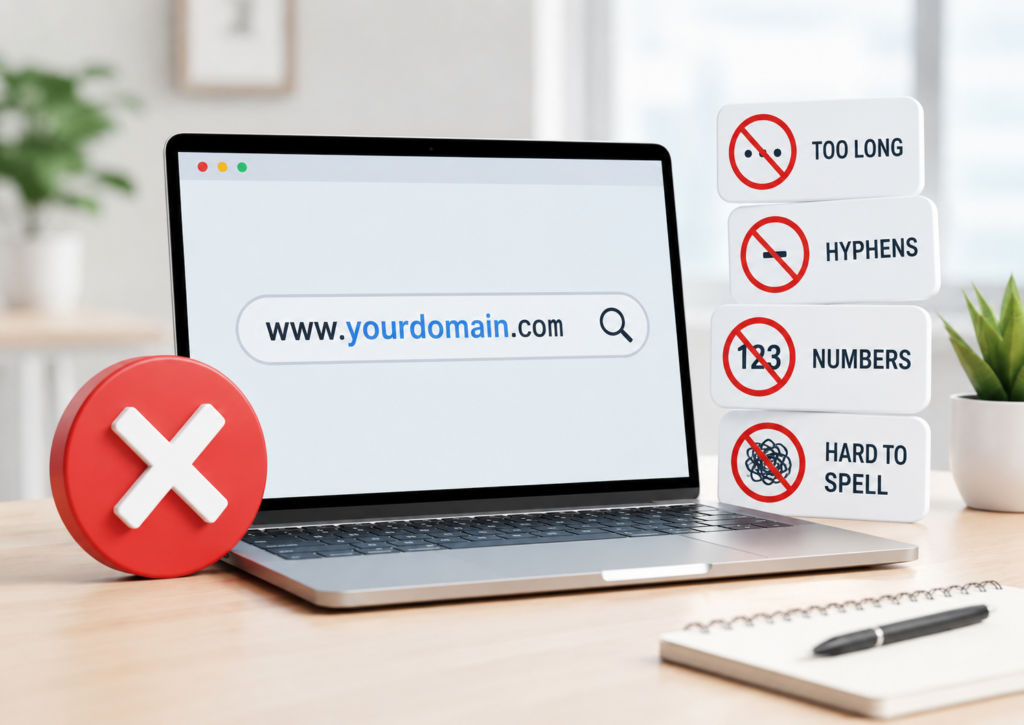
Choosing a domain name sounds simple… until you realize it can quietly make or break your brand, SEO, and long-term growth.
Many beginners rush the process. They pick something “good enough,” hit register, and move on. Months later, they regret it, traffic drops, branding feels off, or worse, legal issues pop up.
This guide walks you through the most common domain registration mistakes and how to avoid them. You’ll also learn how to choose a domain name wisely using practical, real-world logic.
Let’s make sure your domain works for you, not against you.
Why Does Your Domain Name Matter So Much?
Your domain name is more than just a web address.
It’s your:
- First impression
- Brand identity
- SEO signal
- Trust factor
Search engines evaluate domain clarity and relevance. Users judge credibility in seconds. A confusing or spammy domain creates friction instantly.
That’s why smart domain name buying tips matter, especially for beginners.
What Are the Most Common Domain Name Mistakes Beginners Make?
Let’s break them down one by one.
1. Choosing a Domain Name That’s Too Long
Long domain names look messy. They are hard to type, hard to remember, and easy to mistype.
Why this hurts:
- Users forget it quickly
- Higher chance of typos
- Poor word-of-mouth sharing
Example:
- ❌ bestdigitalmarketingservicesforindia.com
- ✅ digitalgrowthhub.com
Smart move:
Keep your domain under 15 characters if possible. Short, clean, and easy wins every time.
2. Using Complex Words or Difficult Spellings
If people can’t spell it, they won’t find it.
Avoid:
- Slang spellings
- Double letters
- Confusing pronunciations
Example:
- ❌ xpertzsolutionz.com
- ✅ expertsolutions.com
This is one of the most overlooked domain name mistakes beginners make.
Pro tip:
Say your domain out loud. If someone can’t spell it after hearing it once, rethink it.
3. Ignoring Branding While Choosing a Domain
Your domain should feel like a brand, not a random keyword mash.
Common branding mistakes in domain names:
- Keyword stuffing
- No emotional connection
- Generic or boring names
Example:
- ❌ cheap-best-seo-services-india.com
- ✅ rankcraft.io
Why branding matters:
Strong brands build trust. Trust increases clicks, engagement, and conversions.
4. Stuffing Keywords into Your Domain Name
Once upon a time, keyword-heavy domains ranked faster. That’s no longer true.
Search engines now prioritize:
- Content quality
- User experience
- Brand authority
Example:
- ❌ bestcheapwebhostingindia.com
- ✅ hostnest.com
SEO friendly domain name tips:
Use keywords naturally if they fit, but never force them.
5. Choosing the Wrong Domain Extension
Your domain extension (.com, .in, .net) impacts trust and perception.
Domain extension selection guide:
- .com → Global businesses, high trust
- .in → India-based audience
- .org → Non-profits
- .tech / .ai → Tech-focused brands
Common mistake:
Picking a trendy extension without thinking long-term.
Example:
- ❌ brandname.xyz (unless it fits your niche)
- ✅ brandname.com
Smart tip:
If possible, always secure the .com version.
6. Not Checking Trademark or Legal Issues
This mistake can cost you everything.
Avoid domain name legal issues:
- Check trademarks before buying
- Avoid using brand names
- Don’t imitate popular companies
Example:
Registering something like:
- amazonshopindia.com → risky
- flipkartdealshub.com → risky
Why it matters:
You could lose your domain or face legal action.
7. Ignoring Social Media Availability
Your domain and social handles should match.
Why this matters:
- Consistent branding
- Easier marketing
- Better recall
Example:
If your domain is:
- brandzone.com
Try to secure:
- @brandzone on social platforms
This is a key part of a domain name checklist for beginners.
8. Not Thinking Long-Term
Many beginners pick names based on current trends.
That’s a mistake.
Example:
- ❌ covidmaskstore.com
- ❌ nftquickprofit.com
Trends fade. Your domain should last for years.
Smart approach:
Choose something flexible and future-proof.
9. Using Numbers and Hyphens
Numbers and hyphens create confusion.
Why avoid them:
- Hard to explain verbally
- Easy to mistype
- Looks less professional
Example:
- ❌ best-seo-4-you.com
- ✅ bestseoforyou.com
Keep it clean and simple.
10. Not Researching Your Domain Properly
Some domains come with history, good or bad.
What to check:
- Previous ownership
- Spam history
- Backlink profile
Why it matters:
A penalized domain can hurt your SEO from day one.
11. Registering Without Securing Similar Variations
Competitors can grab similar domains and confuse your audience.
Example:
If you buy:
- brandname.com
Someone else might buy:
- brand-name.com
- brandname.in
Smart move:
Secure important variations if budget allows.
12. Forgetting Renewal and Ownership Control
This mistake happens more often than you think.
Risks:
- Domain expires
- Someone else buys it
- You lose your brand
Tips:
- Enable auto-renew
- Use a trusted registrar
- Keep ownership under your control
13. Choosing a Name That Limits Growth
Your domain shouldn’t trap your business in one niche.
Example:
- ❌ delhionlycakes.com
- ❌ onlymensshoesstore.com
Why it’s risky:
You may want to expand later.
Better approach:
Pick something broader and scalable.
14. Following Trends Blindly
Trendy domains often look cool, but age badly.
Example:
- ❌ metaversekingdomhub.com
Problem:
Trends shift. Your domain should survive beyond hype cycles.
15. Skipping a Domain Name Checklist
Most beginners don’t follow a structured approach.
Domain name checklist for beginners:
Before you buy, ask:
- Is it short and simple?
- Easy to spell and pronounce?
- Brandable?
- Available on social media?
- Free from legal issues?
- SEO-friendly but not stuffed?
- Future-proof?
If you can tick all boxes, you’re on the right track.



How to Choose a Domain Name Wisely (Practical Framework)
Here’s a simple method that works.
Step 1: Define Your Brand Purpose
Know what you want to build, not just today, but long-term.
Step 2: Brainstorm 10–20 Ideas
Don’t settle for the first option. Explore variations.
Step 3: Test for Simplicity
Check:
- Length
- Clarity
- Pronunciation
Step 4: Check Availability Everywhere
Domain + social handles = consistency.
Step 5: Validate Legally
Avoid future headaches.
Step 6: Think Like a User
Would you trust this domain?
If yes, you’re good to go.
SEO Friendly Domain Name Tips That Actually Work
Let’s keep this practical and realistic.
- Focus on clarity over keywords
- Make it easy to remember
- Keep it brandable
- Avoid spam signals
- Use clean structure
Search engines reward helpful content, not keyword tricks.
Frequently Asked Questions
What are the most common domain name mistakes beginners make?
Beginners often choose long or complex domain names, use difficult spellings, ignore branding, and select the wrong domain extension. Many also skip trademark checks and fail to research domain history, which can lead to SEO or legal issues.
How do I choose a domain name wisely for my website?
Choose a domain name that is short, easy to spell, and brandable. Avoid keyword stuffing, check availability on social media, and ensure there are no trademark conflicts. Always think long-term and pick a name that allows future growth.
Does a domain name affect SEO rankings?
A domain name has a minor direct impact on SEO, but it strongly affects user trust, click-through rates, and brand recognition. A clear, relevant, and simple domain improves user experience, which indirectly helps rankings.
Should I use keywords in my domain name?
You can use keywords if they fit naturally, but avoid stuffing them. Search engines now prioritize quality content and brand authority over keyword-heavy domain names.
Which domain extension is best for SEO?
The .com extension is generally the most trusted and widely recognized. However, country-specific extensions like .in work well for local targeting. The best choice depends on your audience and business goals.
Can I change my domain name later?
Yes, but it can affect your SEO, traffic, and branding. You may lose rankings and backlinks if not handled properly. It’s better to choose the right domain name from the start.
How do I avoid domain name legal issues?
Always check trademarks before registering a domain. Avoid using brand names or similar variations of existing companies. This helps prevent legal disputes and protects your business.
Is it okay to use hyphens or numbers in a domain name?
It’s best to avoid them. Hyphens and numbers make domains harder to remember and increase the chances of typing errors. Clean and simple names perform better.
How important is branding in a domain name?
Branding is critical. A strong domain name builds trust, improves recall, and supports long-term growth. Generic or keyword-stuffed names often fail to create a lasting impression.
What should be included in a domain name checklist for beginners?
A good checklist includes simplicity, brandability, SEO-friendliness, legal safety, social media availability, and long-term usability. Checking these factors helps you make a better decision.


Final Thoughts
Registering a domain name feels like a small step, but it shapes your entire online journey.
Avoiding these common domain registration errors saves you time, money, and stress later.
Think of your domain as digital real estate. You don’t just want a place, you want the right place.
Take your time. Think long-term. Choose wisely.
Because once your brand grows, your domain becomes priceless.