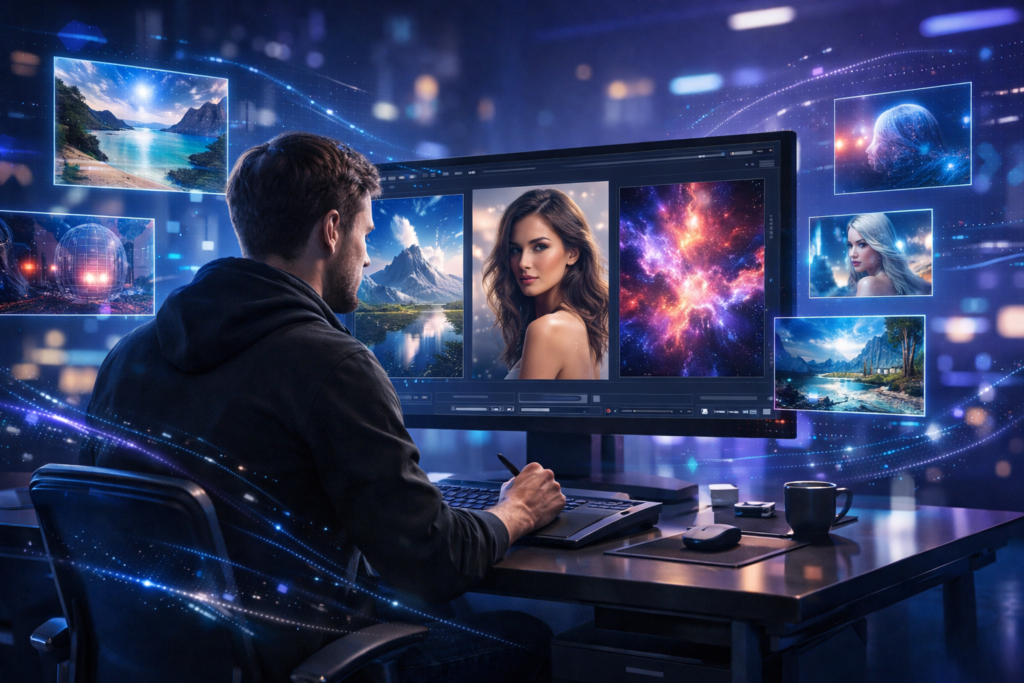
How to generate images using AI without watermark is something more creators search for every day—and for good reason. No one likes a clean design ruined by a logo sitting in the corner like an uninvited guest.
Let’s break this down properly. You’ll learn what actually works, what doesn’t, and how to create high-quality AI images without wasting time on tools that lock everything behind paywalls.
What Does “AI Image Generation Without Watermark” Really Mean?
When you use an AI image generator, the tool creates visuals from text prompts. Sounds simple, right? But here’s the catch:
- Many tools add watermarks on free plans
- Some tools restrict downloads
- Others allow downloads but limit quality or commercial use
So when people search for:
- generate AI images without watermark free
- ai art generator no sign up no watermark
They’re really looking for true free access + clean output + usable rights.
That combination exists—but only if you choose the right tools.
Why Do Most AI Tools Add Watermarks?
Let’s be honest. These companies aren’t running charities.
Most AI platforms:
- Spend heavily on GPU processing
- Use advanced models trained on large datasets
- Offer free versions only as entry points
Watermarks act as:
- Branding
- Upgrade pressure
- Usage tracking
So if a tool gives you watermark-free images for free, it usually:
- Limits usage in other ways, or
- Monetizes differently (ads, API, etc.)
Understanding this helps you avoid unrealistic expectations.

Best Free AI Image Generator No Watermark (That Actually Work)
Let’s focus on tools that meet real criteria:
- No watermark
- Free usage (or generous free tier)
- Good image quality
1. Stable Diffusion (Open Source Powerhouse)
Stable Diffusion stands out because:
- It’s open-source
- No watermark by default
- Full control over output
You can use it via:
- Web platforms
- Local installation (advanced users)
Why it works:
- No company-imposed branding
- Community-driven improvements
Best for:
- Realistic images
- Creative flexibility
- Commercial use (with conditions)
2. Playground AI
Playground AI offers:
- Free image generation daily
- No watermark on downloads
- Easy interface for beginners
Strengths:
- Clean UI
- Good for beginners
- Supports multiple styles
Limitations:
- Daily limits on free plan
Still, for most users, it’s more than enough.
3. Leonardo AI
If you want game-quality or ultra-detailed visuals, Leonardo AI delivers.
Features:
- No watermark
- Strong model customization
- High-quality outputs
Best for:
- Realistic AI images
- Character design
- Product visuals
4. Bing Image Creator (Powered by AI Models)
This one surprises many people.
Pros:
- Free to use
- No watermark
- Fast generation
Cons:
- Limited customization
- Requires account
Still, it’s one of the easiest ways to create AI images for free HD quality.
5. Mage.Space
Mage.Space is perfect if you want:
- No login
- No watermark
- Fast results
Why people love it:
- Zero friction
- Clean downloads
Downside:
- Less control compared to advanced tools
How to Create AI Images for Free HD Quality
Now tools alone won’t help if your prompts are weak.
Let’s fix that.
Step 1: Write Better Prompts
AI works on clarity.
Bad prompt:
“dog image”
Good prompt:
“ultra realistic golden retriever sitting in sunlight, 4k resolution, sharp details, cinematic lighting”
Notice the difference?
You guide the AI like a director—not like a confused client.
Step 2: Add Style Keywords
To create realistic AI images no watermark, include:
- lighting (soft, cinematic, natural)
- camera (DSLR, 50mm lens)
- quality (4K, ultra HD)
- mood (dramatic, warm, vibrant)
Example:
“portrait of a woman, soft natural light, 50mm lens, ultra HD, realistic skin texture”
Step 3: Use Resolution Settings
Most tools allow:
- 512×512
- 768×768
- 1024×1024
Higher resolution = better clarity.
But also:
- Slower generation
- More resource usage
Balance matters.
Step 4: Iterate (Don’t Expect Perfection First Try)
Even top designers tweak outputs.
Generate → adjust prompt → regenerate.
That’s the workflow.
Free Text to Image AI Tools Without Limits (Reality Check)
Let’s address a myth.
There are very few truly unlimited tools.
Most platforms:
- Limit daily generations
- Queue free users
- Reduce speed during peak times
However, you can still work smart:
Combine multiple tools
Use:
- One for base image
- Another for variations
Use off-peak hours
Less traffic = faster processing
Try open-source tools
No artificial limits
AI Image Generator for Commercial Use Free
This part matters if you plan to:
- Sell designs
- Use images in business
- Create content for clients
Not all tools allow this.
Safe Options:
- Stable Diffusion (with proper usage)
- Some outputs from Playground AI
- Selected platforms with clear terms
What to Check:
- License terms
- Usage rights
- Attribution rules
If a tool doesn’t clearly mention commercial rights, assume restrictions exist.
Best DALL·E Alternatives Free No Watermark
Many users look beyond mainstream tools.
Here are solid alternatives:
Stable Diffusion-based tools
- Most flexible
- No watermark
- Community-supported
Leonardo AI
- Better control
- Game-ready assets
Playground AI
- Beginner-friendly
- Good balance
These alternatives often outperform expectations—especially for free users.

AI Image Generator Without Copyright Issues
This topic gets messy, so let’s simplify it.
AI images:
- Don’t always have traditional copyright
- May depend on tool terms
- Can still be restricted
What you should do:
Use original prompts
Avoid copying existing artists
Check platform policies
If you’re serious about content creation, always play safe.
Advanced Tips to Create Realistic AI Images No Watermark
Now let’s level up.
Use Negative Prompts
Tell AI what NOT to include.
Example:
“blurry, distorted, watermark, low quality”
This improves output quality instantly.
Use Seed Values (Advanced)
Seed values help:
- Recreate similar images
- Maintain consistency
Great for:
- Branding
- Series content
Control Composition
Add instructions like:
- “centered subject”
- “wide angle shot”
- “top view”
This gives structure to your image.
Think Like a Photographer
AI understands visual language.
Use terms like:
- depth of field
- bokeh
- exposure
- shadows
The more specific you are, the better the result.
AI Art Generator No Sign Up No Watermark – Are They Worth It?
Yes—but with trade-offs.
Pros:
- Instant access
- No data sharing
- Quick testing
Cons:
- Limited features
- Lower customization
- Occasional slow speed
Use them for:
- Quick ideas
- Concept testing
- Simple designs
Not ideal for professional workflows.
Common Mistakes to Avoid
Let’s save you hours of frustration.
Using vague prompts
AI can’t read minds.
Expecting perfect results instantly
Iteration is part of the process.
Ignoring licensing
This can create legal issues later.
Overloading prompts
Too many details = confused output
Keep it clear, not crowded.
How AI Image Generation Is Changing Content Creation
This isn’t just a trend, it’s a shift.
AI tools now allow:
- Faster content production
- Lower design costs
- Creative experimentation
Even solo creators can now:
- Build brands
- Design products
- Create visual content at scale
That’s powerful.
Frequently Asked Questions
How can I generate AI images without watermark for free?
You can generate AI images without watermark using tools like Stable Diffusion, Playground AI, and Mage.Space. These platforms offer free image generation without adding logos to your output. For best results, use detailed prompts and high-resolution settings.
Which is the best free AI image generator with no watermark?
Stable Diffusion is one of the best free AI image generators with no watermark due to its open-source nature. Playground AI and Leonardo AI also provide high-quality images without watermarks on their free plans.
Can I use AI-generated images without watermark for commercial use?
Yes, some platforms allow commercial use, especially those based on open-source models like Stable Diffusion. However, you should always check the licensing terms of each tool before using images for business purposes.
Are there AI art generators with no sign-up and no watermark?
Yes, tools like Mage.Space allow you to generate AI images without signing up and without watermarks. These tools are ideal for quick image creation but may have limited features.
How do I create HD quality AI images for free?
To create HD AI images for free:
Use tools that support higher resolution (1024×1024 or more)
Write detailed prompts with lighting and camera terms
Regenerate images to improve quality
This helps produce sharp and realistic outputs.
Is there any AI image generator without copyright issues?
AI-generated images usually don’t have traditional copyright, but usage rights depend on the platform. Tools like Stable Diffusion offer more flexibility, but you should avoid copying existing artwork and always review usage policies.
What are the best DALL·E alternatives with no watermark?
Some of the best DALL·E alternatives without watermark include Stable Diffusion, Leonardo AI, and Playground AI. These tools offer similar or better flexibility without adding branding to images.
Why do some AI image generators add watermarks?
Many AI tools add watermarks to promote their platform or encourage users to upgrade to paid plans. Free tools without watermarks usually have usage limits or fewer advanced features.
Final Thoughts
Learning how to generate images using AI without watermark gives you a serious advantage.
You don’t need expensive software.
You don’t need design experience.
You just need:
- The right tools
- Clear prompts
- A bit of patience
Start simple. Test different platforms. Improve your prompts over time.
Soon enough, you’ll create visuals that look like they came from a professional studio, without paying a single rupee.
And yes, without that annoying watermark ruining everything.